01
Automation
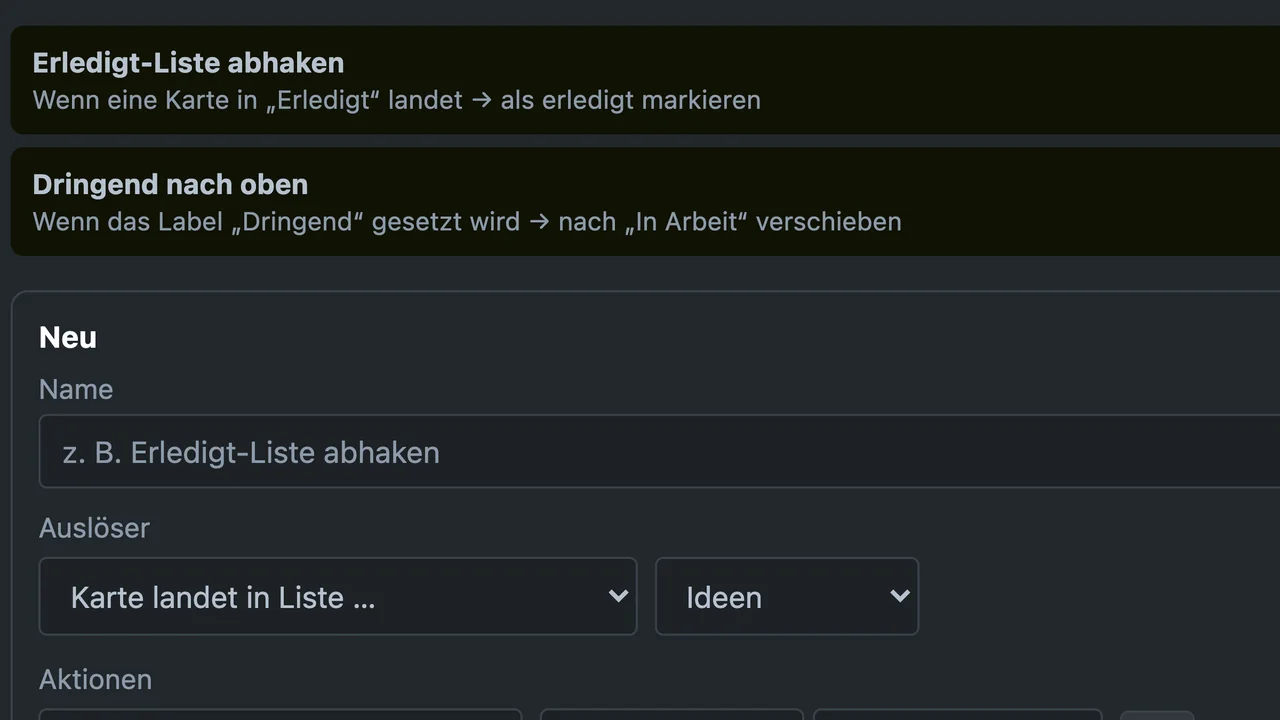
Rules, card buttons and schedules: move cards, set labels, change due dates.

Boards, cards, planner and automation like the well-known Kanban services, just on your own web space. Buy once from €149, no subscription per person.
No subscription per person. Runs on Apache and LiteSpeed hosting.
CoWorkboard brings what you know from Kanban services to your own web space: boards, lists, cards, checklists, automation, planner, calendar and table. You upload the files by FTP, click through the installer, and you’re ready in about ten minutes. No Docker, no server of your own needed.
Mike HillebrandMike Hillebrand Media


Board, table and calendar show the same cards. Your team works in the browser, on desktop and phone alike.
€0
per month and seat. You pay for every seat only once. More under Pricing.
Updates are included in the first year. After that, the update package for €79 a year keeps the version current, voluntary and per licence. Security updates always stay free.
01
Rules, card buttons and schedules: move cards, set labels, change due dates.
02
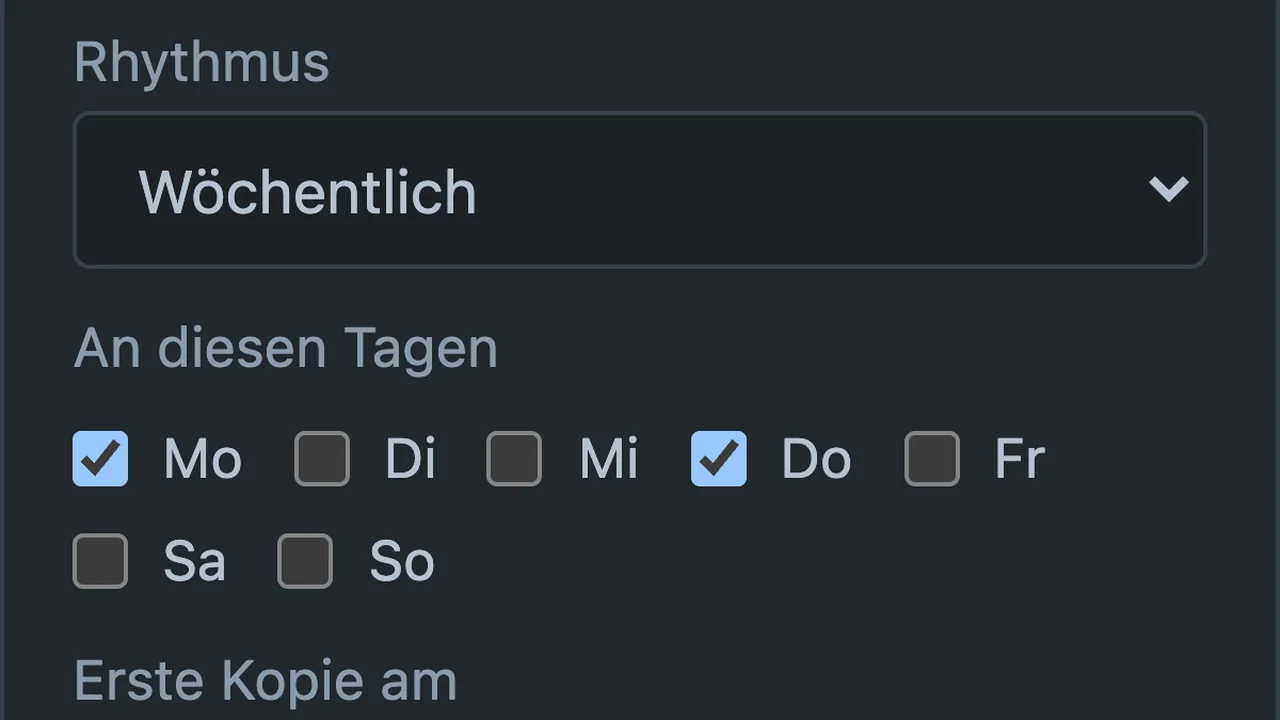
Daily, weekly, monthly or yearly: a copy appears each morning on schedule, with checklist, labels and members.
03
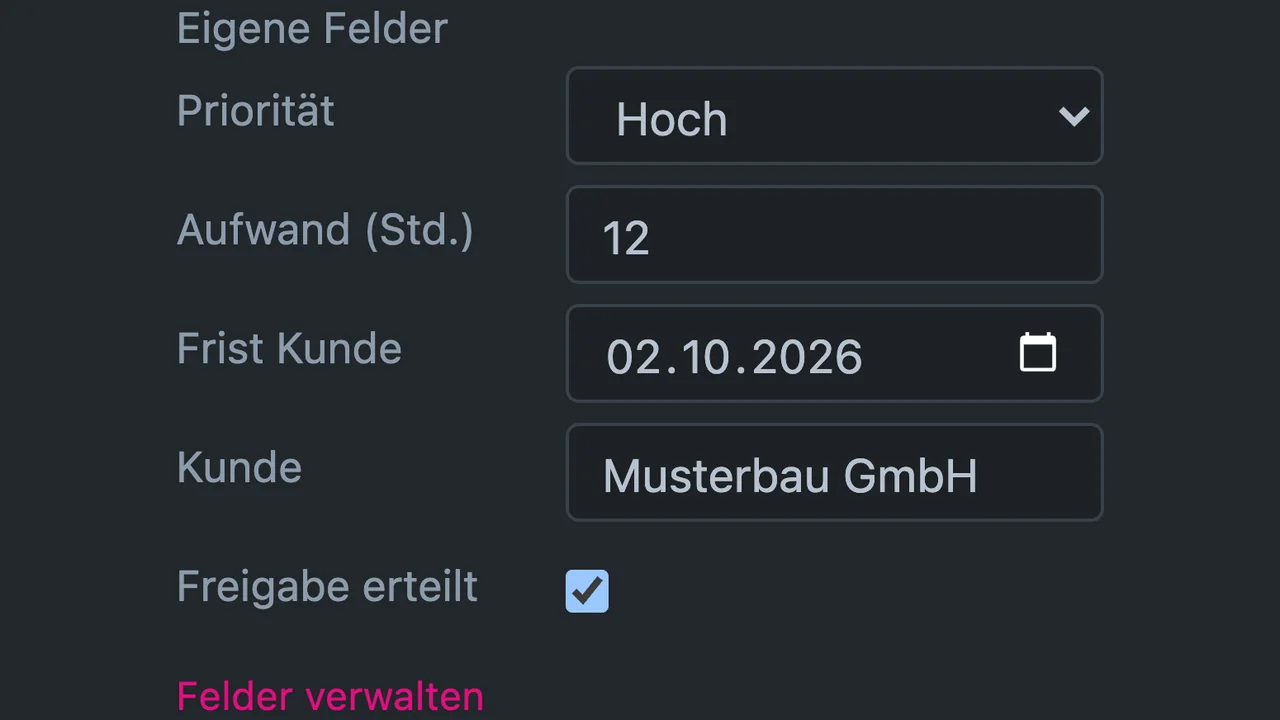
Text, number, date, checkbox and select per board, shown as a badge on the card and as a column in the CSV export on request.
04
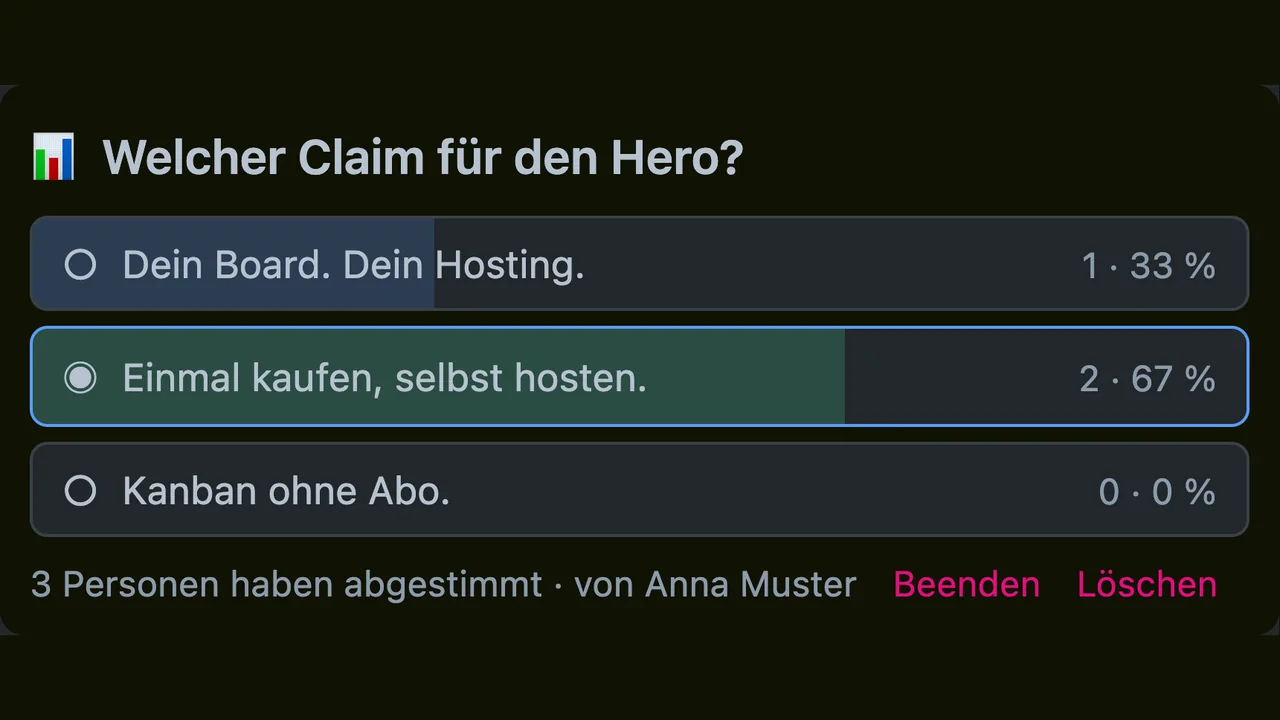
A thumbs-up on every card, plus polls with up to ten answers and result bars.
05
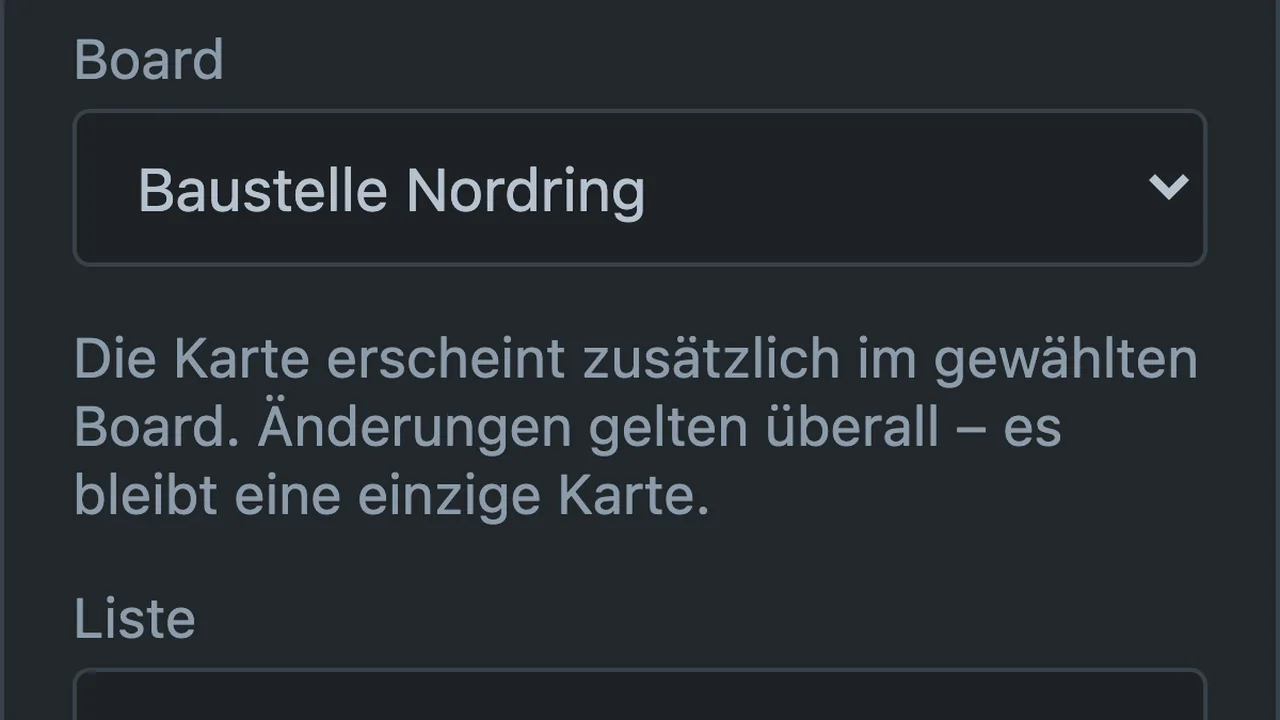
The same card in several boards. Changes apply everywhere, the mirror stays freely movable.
06
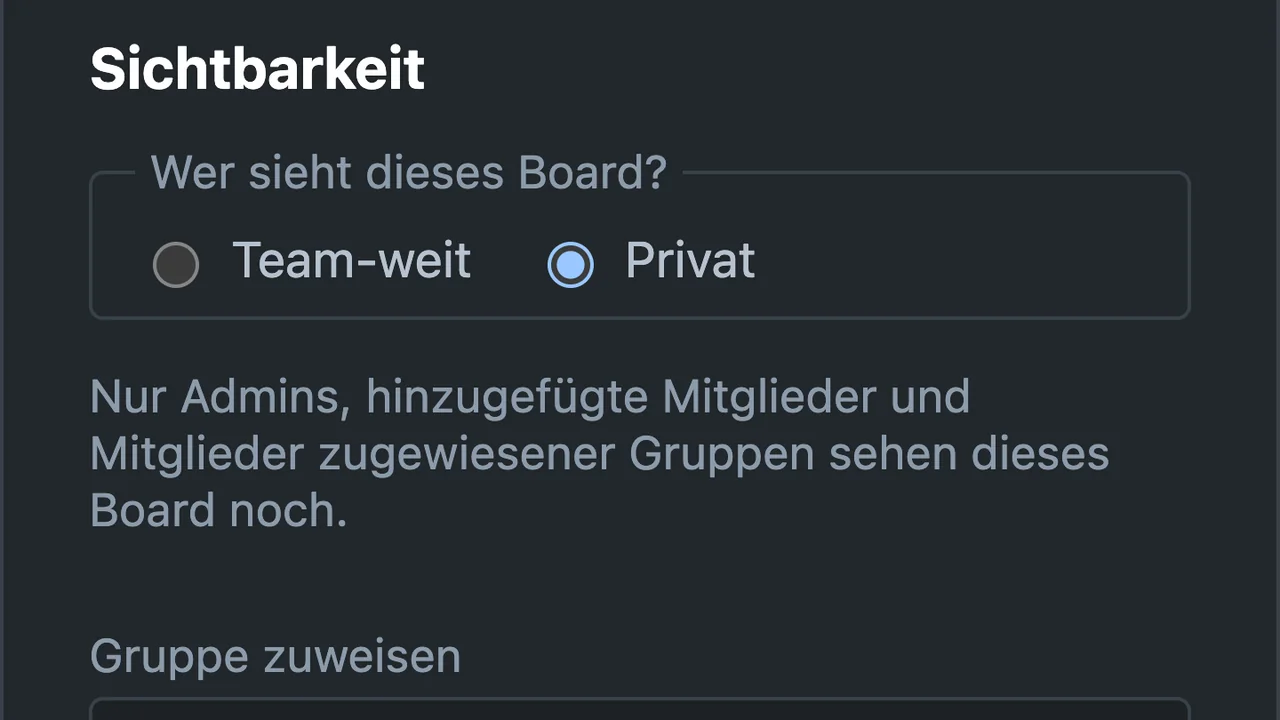
Boards for selected members or groups only, plus a viewer role without write access.
07
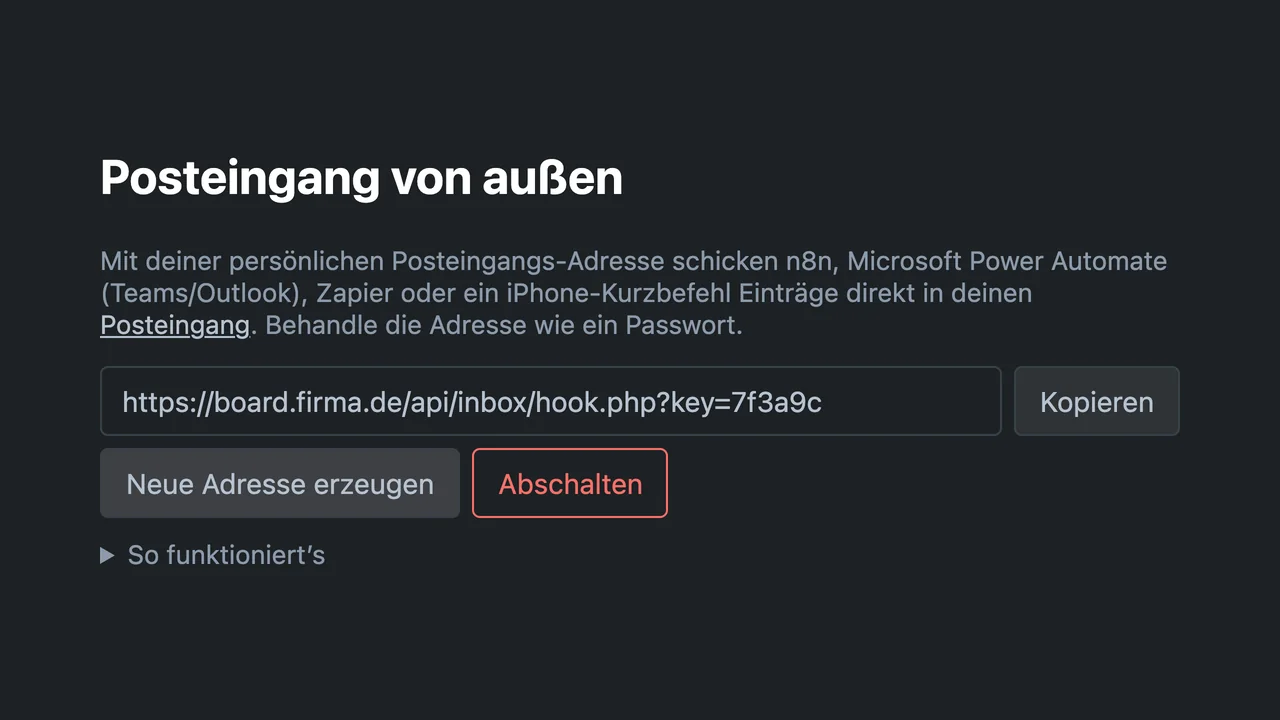
A secret address per person: n8n, Zapier, Power Automate or Shortcuts can create cards in the inbox.
08
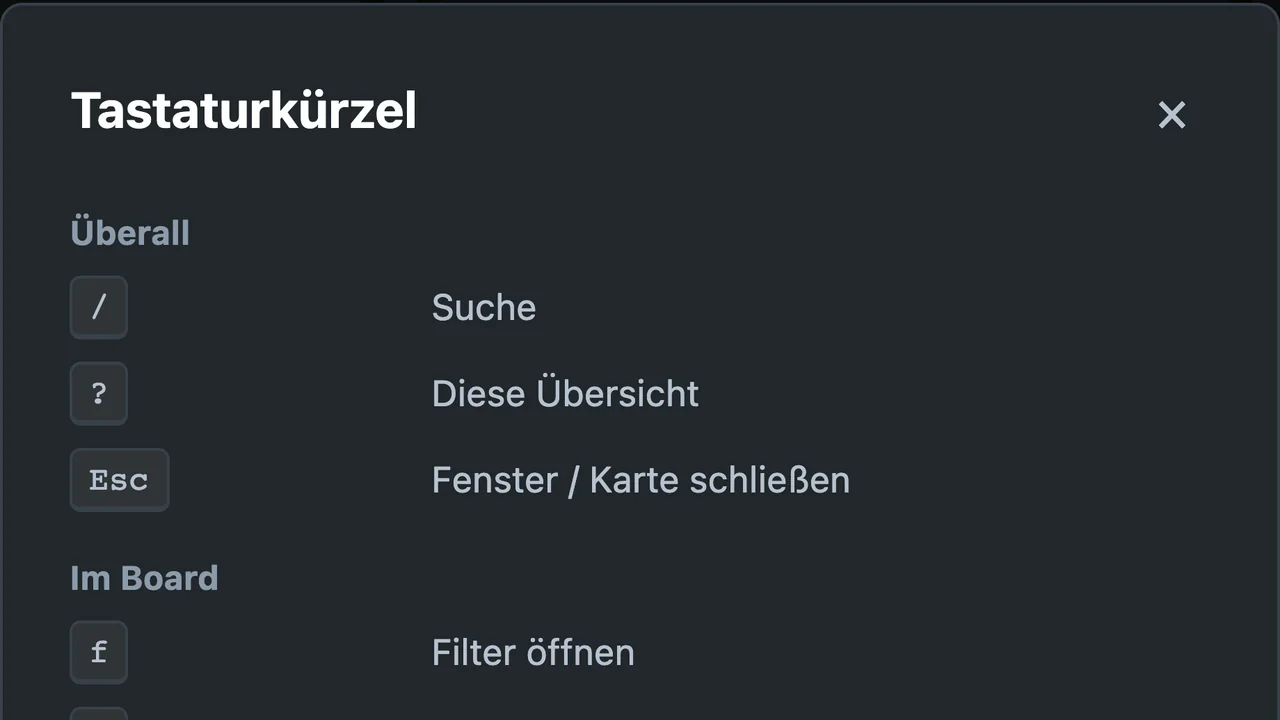
The / key jumps to search, ? shows every shortcut. Labels can also get patterns on request.
09
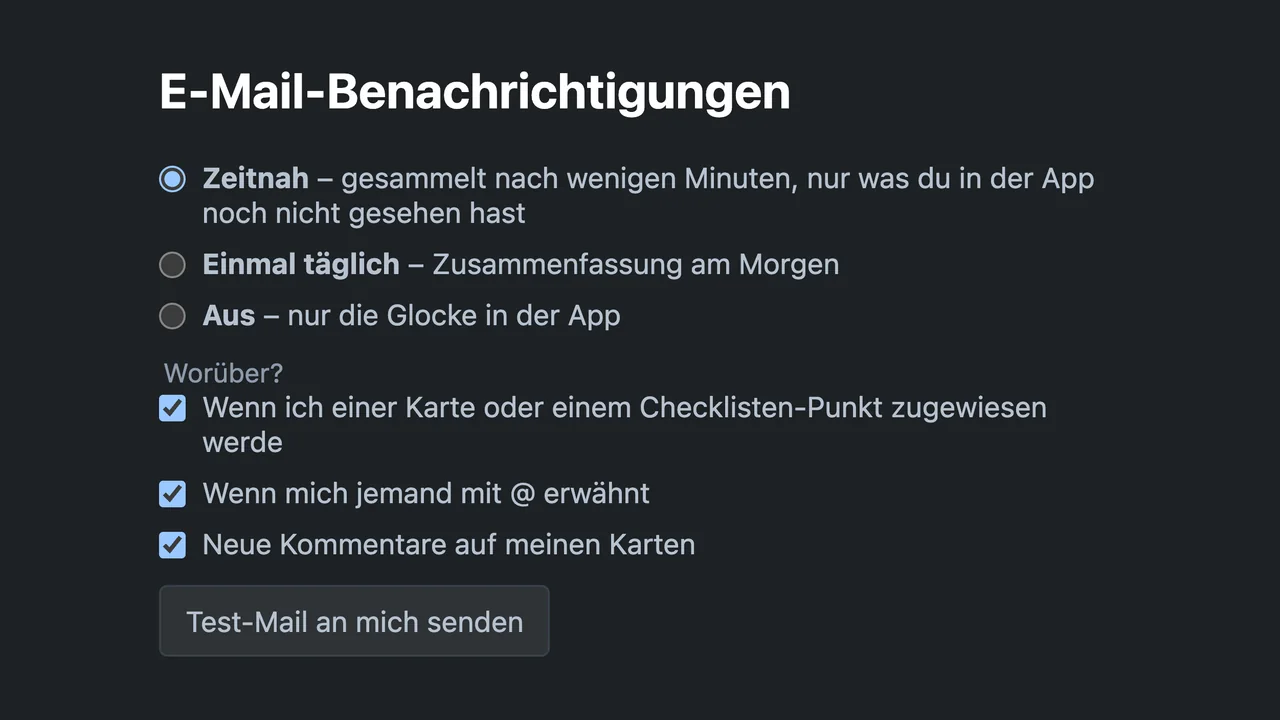
A bell in the app and emails on your schedule: gathered promptly, once daily in the morning, or off.
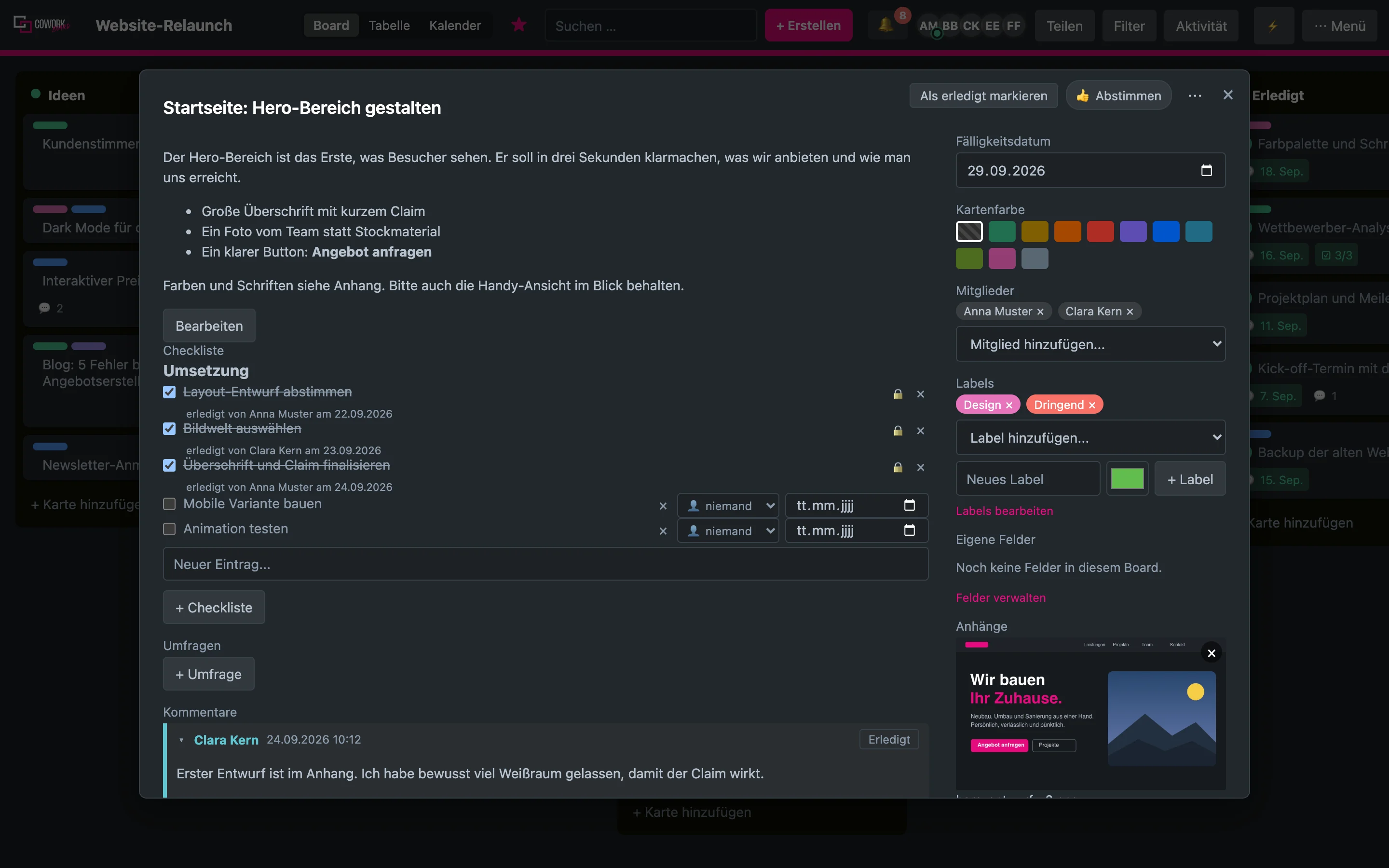
Lists, cards, labels and checklists with assignment and due dates. Attachments up to 50 MB, comments with @-mentions and inline images. All by drag and drop.
Board, table and calendar show the same cards. The planner gathers your cards from every board as a list, week or day view; just drag a card onto a day.
Each person sets up their own AI access: Claude, ChatGPT, Gemini or a server of their own. Write, shorten, translate, summarise and build checklists from the description. The key stays encrypted on your server.
Connect CoWorkboard to claude.ai, Claude Desktop or Claude Code. Claude reads boards, creates cards, moves and comments on them, with the rights of the connected person.
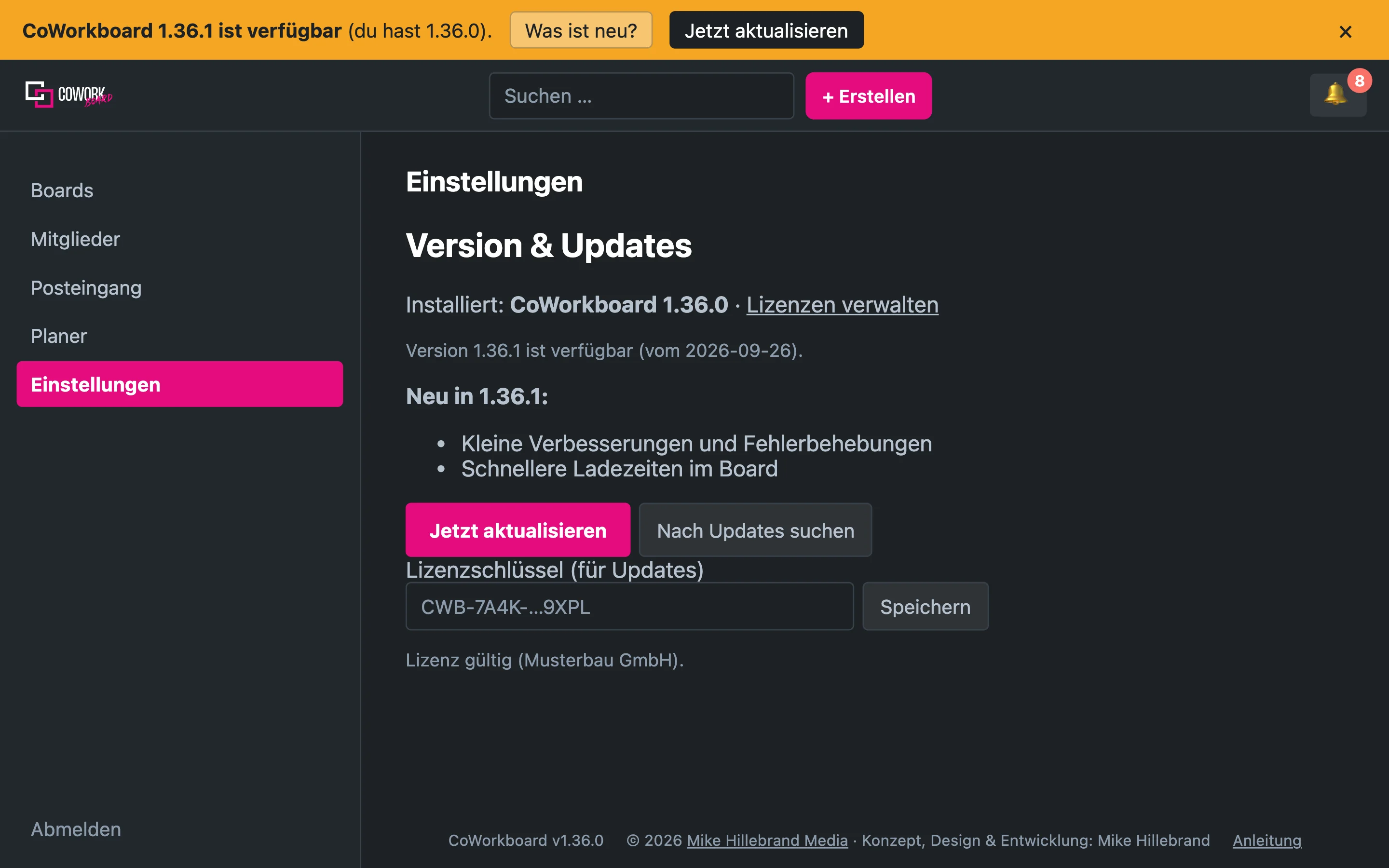
A field reports the new version, one click installs it: signed package, backup of the previous state, database update and automatic rollback on error. Updates are included in the first year, after that the update package extends the period.
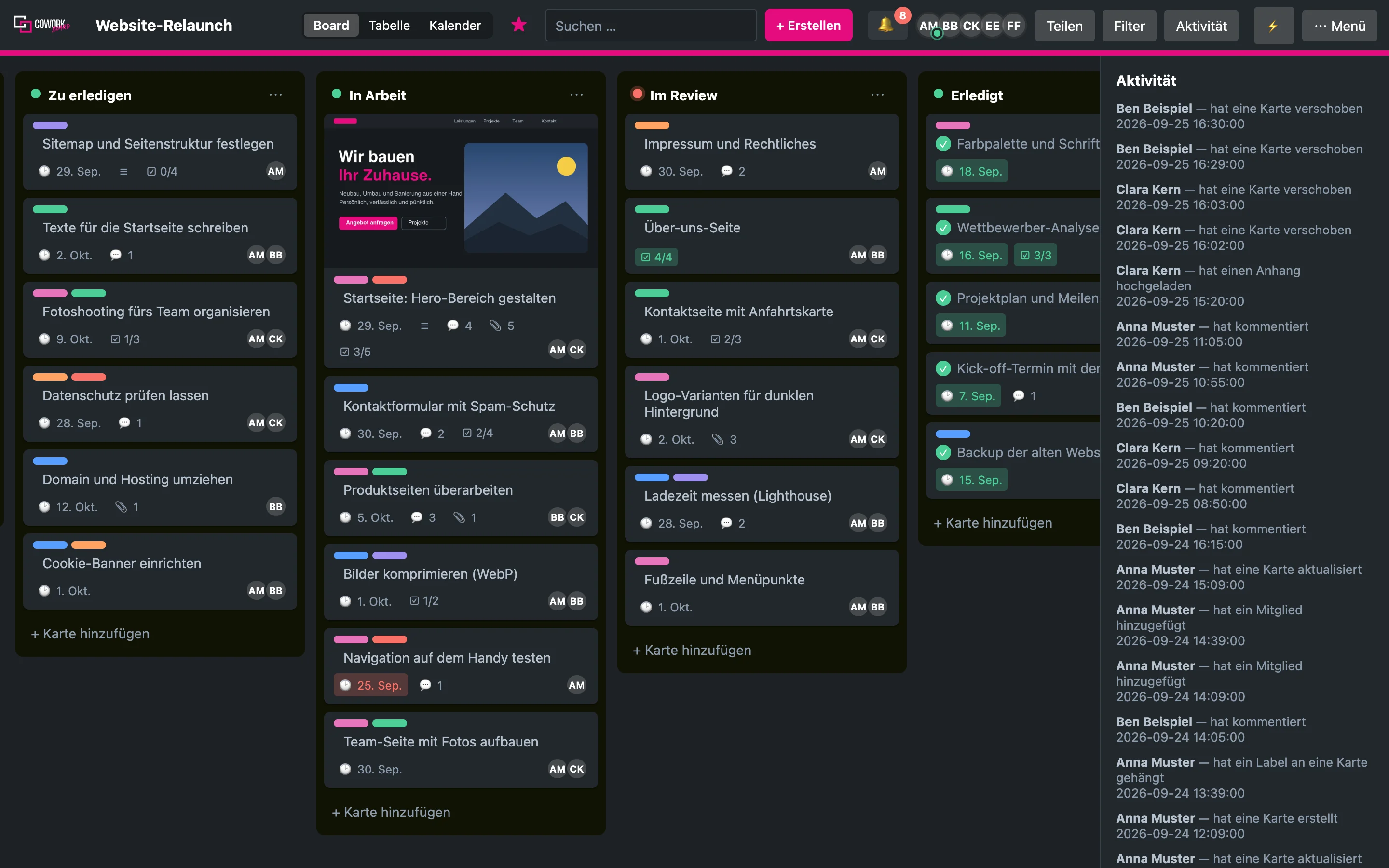
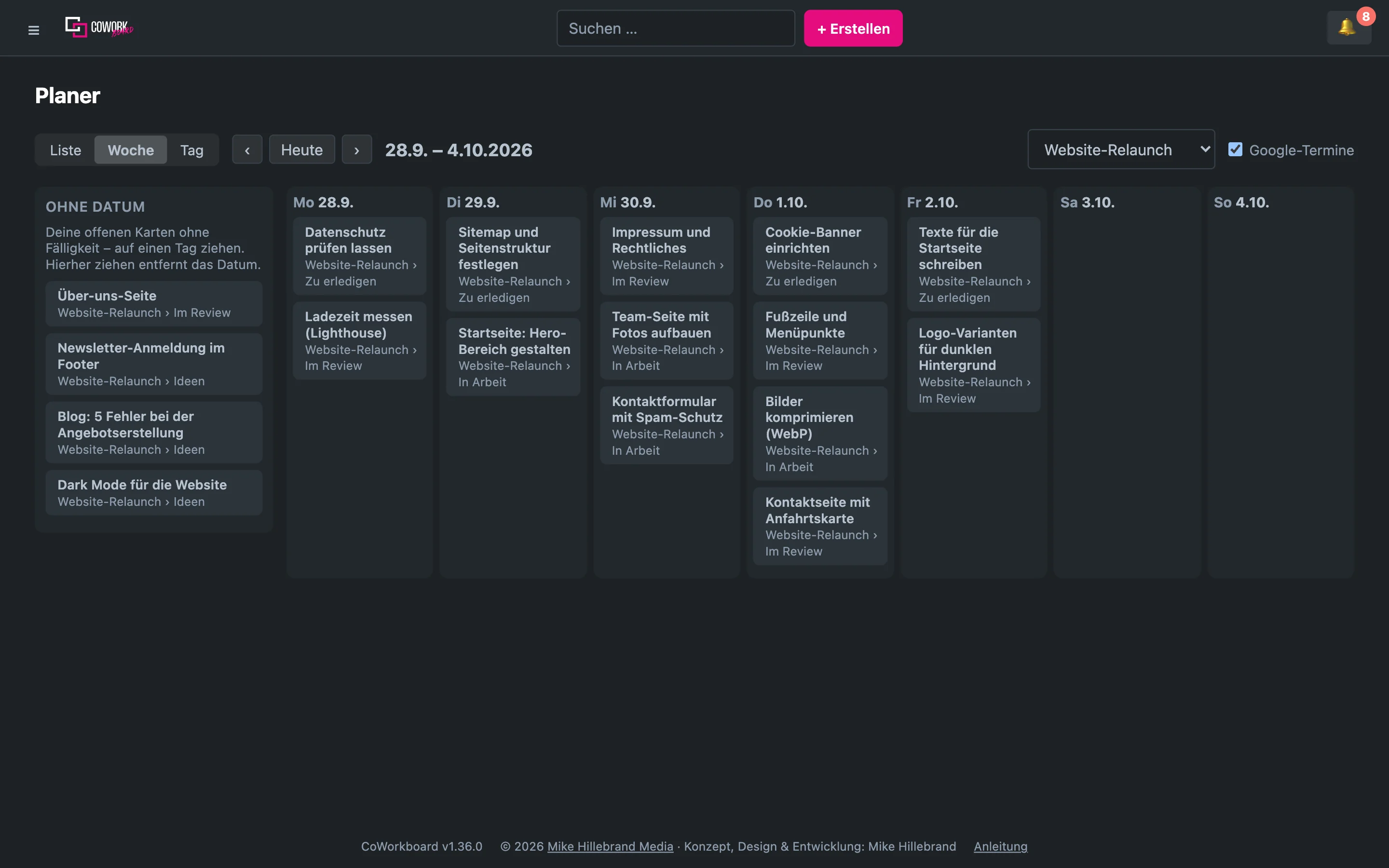
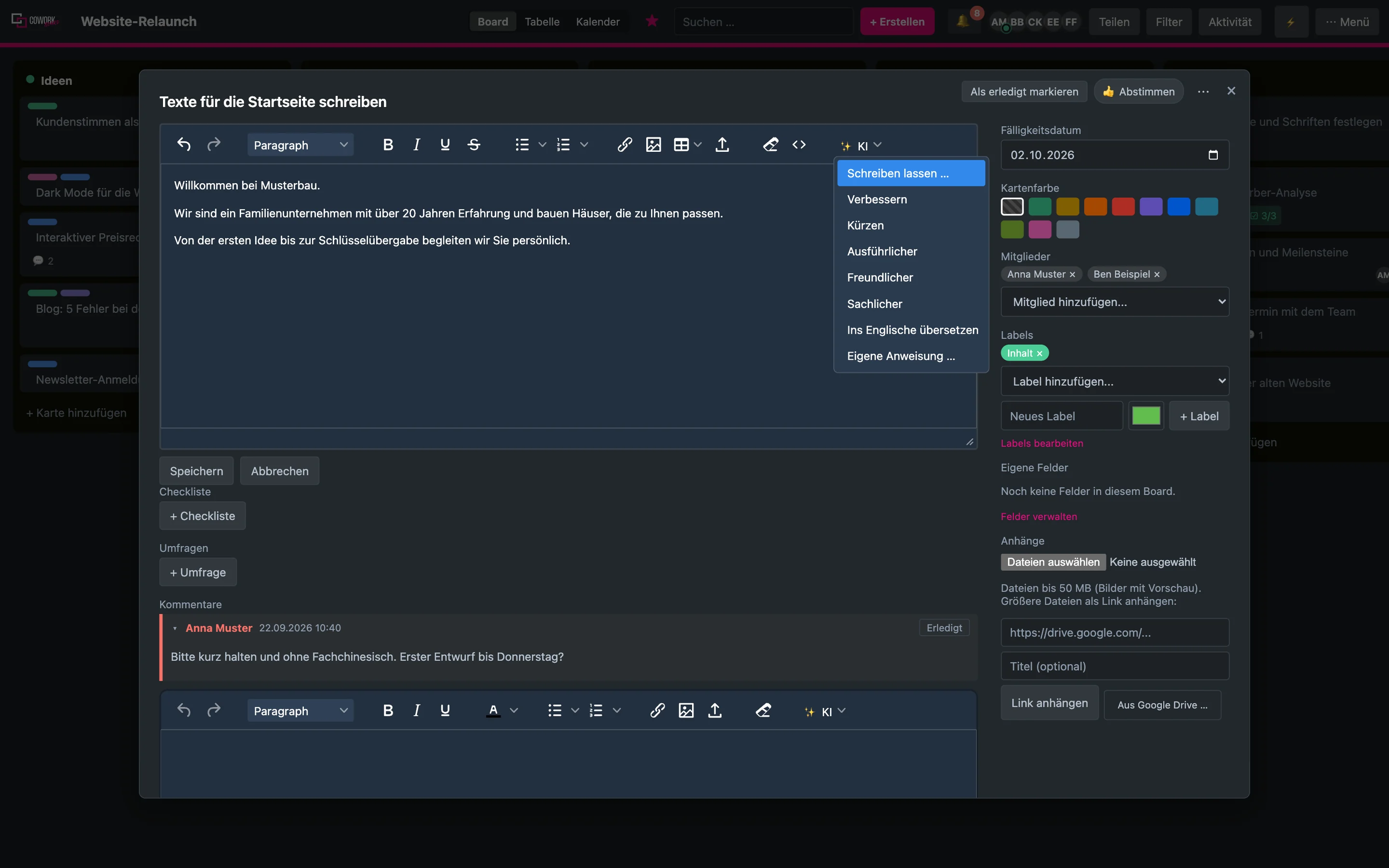
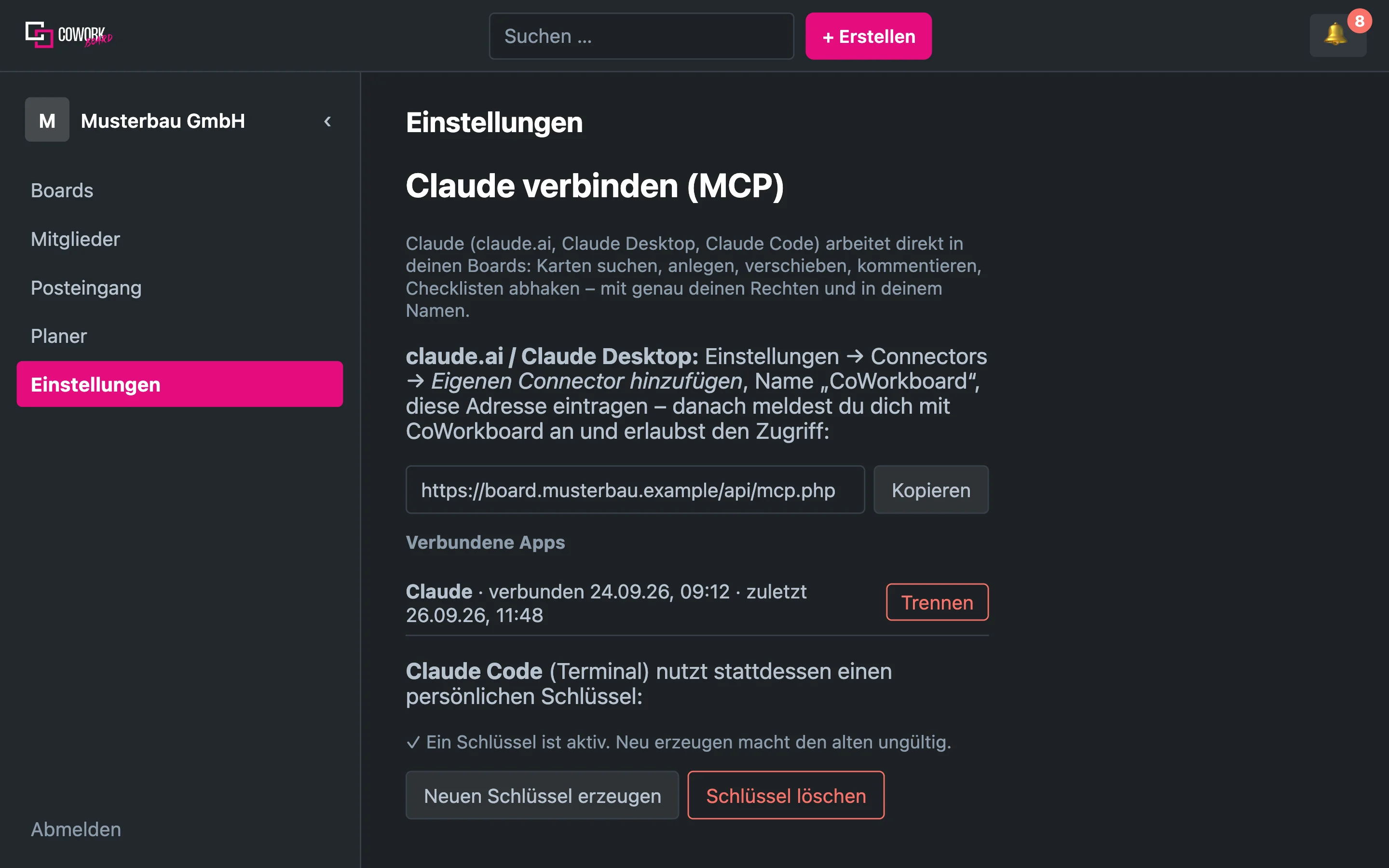
In the team, in the home office, in the workshop or on the go: the same board, on your own hosting.
One board per client
One board per client, one team, one shared status. Assign cards, set deadlines, tick off checklists. Anyone who should just follow along joins as a viewer and needs no seat.

Everyone on the same page
Everyone works on the same board, wherever they sit. You see who’s online right now, and get a notification when something changes.

On your phone too
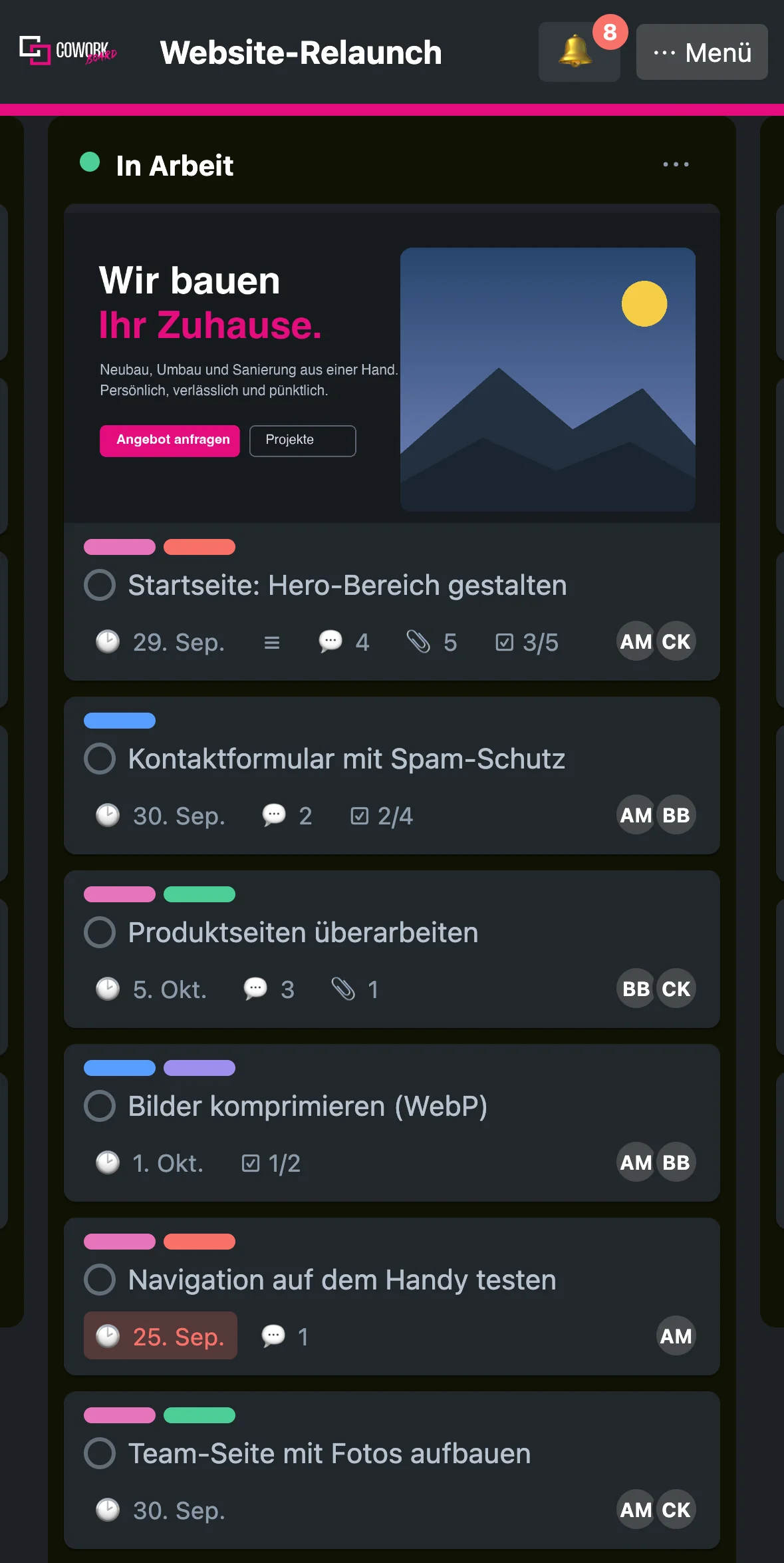
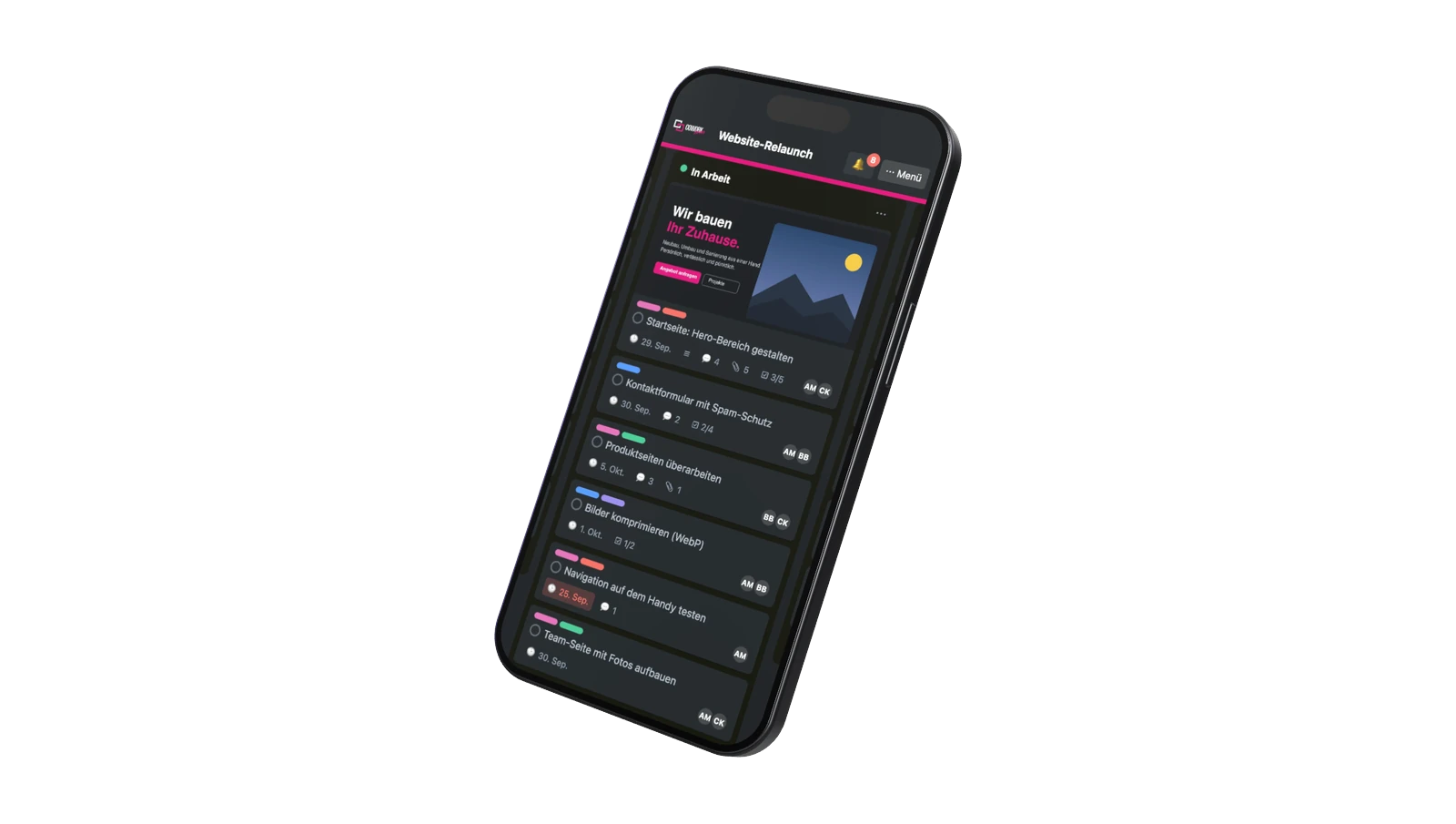
Boards, cards and checklists also run on your phone. Open it in the browser and add it to your home screen like an app.

Orders and deadlines
Orders, appointments and checklists on the tablet in the workshop. Recurring cards remind you of maintenance and deadlines.

Claude works alongside you
Connect Claude to your board. Claude reads cards, creates new ones, moves and comments on them, with the rights of the connected person.

A single seat is enough
A single seat is enough: your own board on your own hosting, no subscription. You invite clients as viewers.

Tasks in lists, deadlines in the calendar, checklists on every card. Everyone sees what’s coming up and who’s on it.
Posts as cards from idea to publication. The calendar shows the dates, labels stand for the channels.
Custom fields for company, value and status, labels for the stage. Sort as a table, export as CSV.
From a template, a board with checklists, owners and deadlines is created for each new person.
One card per topic, decisions as comments, choices settled by poll. Afterwards everything stays readable.
Requests from n8n, Zapier or Shortcuts can drop straight into the inbox as cards, automatically.
Rules move cards, set deadlines and assign people the moment something changes.
Descriptions with images and formatting, attachments up to 50 MB and a search that finds everything.
Ideas as cards, vote with a thumbs-up or a poll, drag the best ones into their own list.
Recurring cards remind you of monthly tasks, amount and invoice number live in custom fields.
Volunteers join the team via a link. Anyone who should just follow along is a viewer.
Show only my cards, keyboard shortcuts and notifications on your own schedule: a good tool solo, too.
5.0 / 5 · 4 reviews
Only buyers can leave a review: the form asks for the license key from the purchase. I check every review before it is published.
★★★★★
Ich nutze CoWorkboard für meine Projekte und bin sehr zufrieden. Es hilft mir, Aufgaben, Ideen und Absprachen übersichtlich zu organisieren und den Überblick zu behalten.
Besonders wertvoll ist für mich, dass die Zusammenarbeit mit Schule und Therapeuten dadurch viel einfacher wird. Alle können hand in hand arbeiten, Informationen besser teilen und sehen, was gerade wichtig ist. Das spart Zeit, schafft Klarheit und macht die gemeinsame Arbeit deutlich strukturierter.
Für Projekte, bei denen mehrere Menschen zusammenarbeiten, ist CoWorkboard eine große Hilfe.
Klare Empfehlung.
Menni-Art · Melanie · verified purchase
★★★★★
Die regelmäßigen Updates sind einfach klasse es kommen immer wieder tolle neue featurs und das alles ohne Abo Kosten.
Mike Hillebrand Media · CEO · verified purchase
★★★★★
Ich hab das CoWork Board von Mike jetzt eine Weile im Einsatz und muss sagen: Genau solche Tools mag ich.
Kein unnötiger Schnickschnack, keine 47 Funktionen, die man irgendwann mal brauchen könnte – sondern einfach ein übersichtliches Board, mit dem man vernünftig arbeiten und den Überblick behalten kann.
Was mir besonders gefällt: Man kommt rein und versteht eigentlich sofort, wie es funktioniert. Und genau das ist für mich bei solchen Tools Gold wert. 😄
Es macht die Zusammenarbeit einfacher, bringt Struktur rein und spart einem ganz nebenbei dieses berühmte „Wo war das nochmal?“ – das vermutlich jeder kennt.
Unterm Strich: Durchdacht, angenehm unkompliziert und wirklich hilfreich im Alltag.
Klare Empfehlung – und dafür gibt’s von mir volle 5 Sterne! ⭐⭐⭐⭐⭐
Beezy Labs · CEO · verified purchase
★★★★★
Funktioniert alles super!
Heiko Ervens · verified purchase
Single seat 149 €, 5 seats 646 €, 10 + 1 seats 1,490 €, each one-time and including 19% German VAT. You pay for every seat once, there’s no subscription per person. Additional seats later cost €149 per seat. Updates are included in the first year, after that the update package extends it for €79 a year. The differences are under Pricing.
Web hosting with Apache or LiteSpeed and PHP 8.1 or newer, an empty MySQL or MariaDB database, and your own domain or subdomain with SSL, for example board.yourcompany.com. CoWorkboard itself runs at All-Inkl; most hosts with Apache or LiteSpeed meet the requirements.
Upload the files by FTP, open install.php in your browser, fill in the form, add a cron job, delete install.php. That takes about ten minutes. An installation guide and an installation video come with every package.
CoWorkboard reports new versions itself. One click downloads the signed package, backs up the previous state, installs files and database changes, and rolls back on error. Updates are included in the first year; after that the update package extends the period, without it your installation just keeps running unchanged. For the check, your installation only sends the licence key, domain and version number.
Database, attachments and AI keys sit on your hosting. I have no access to your boards. If someone uses the AI feature, the selected text goes to the provider that person entered themselves.
As many as your licence has seats: 1, 5 or 11. A seat is an account with its own email address. Anyone who should just follow along gets the viewer role and needs no seat. Once all seats are taken, the app won’t allow more accounts.