For macOS
Apple silicon and Intel
Version 0.4.4 · 6.0 MB · free
Download for Mac (.dmg)Checksum (SHA-256) 278172a794cbfa2ffcd46eff0d61d63e2da889369e965257b169aa8318a88163

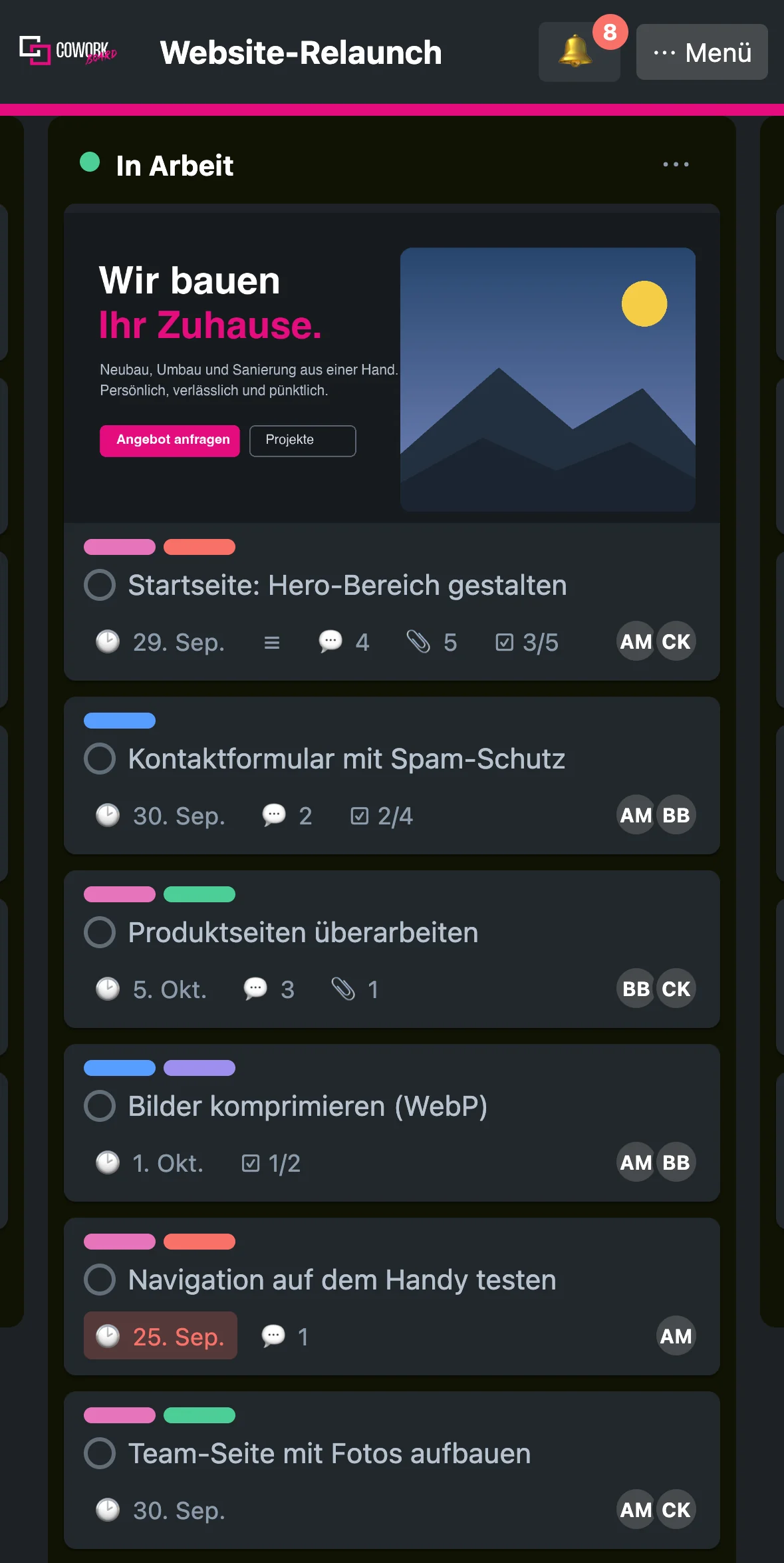
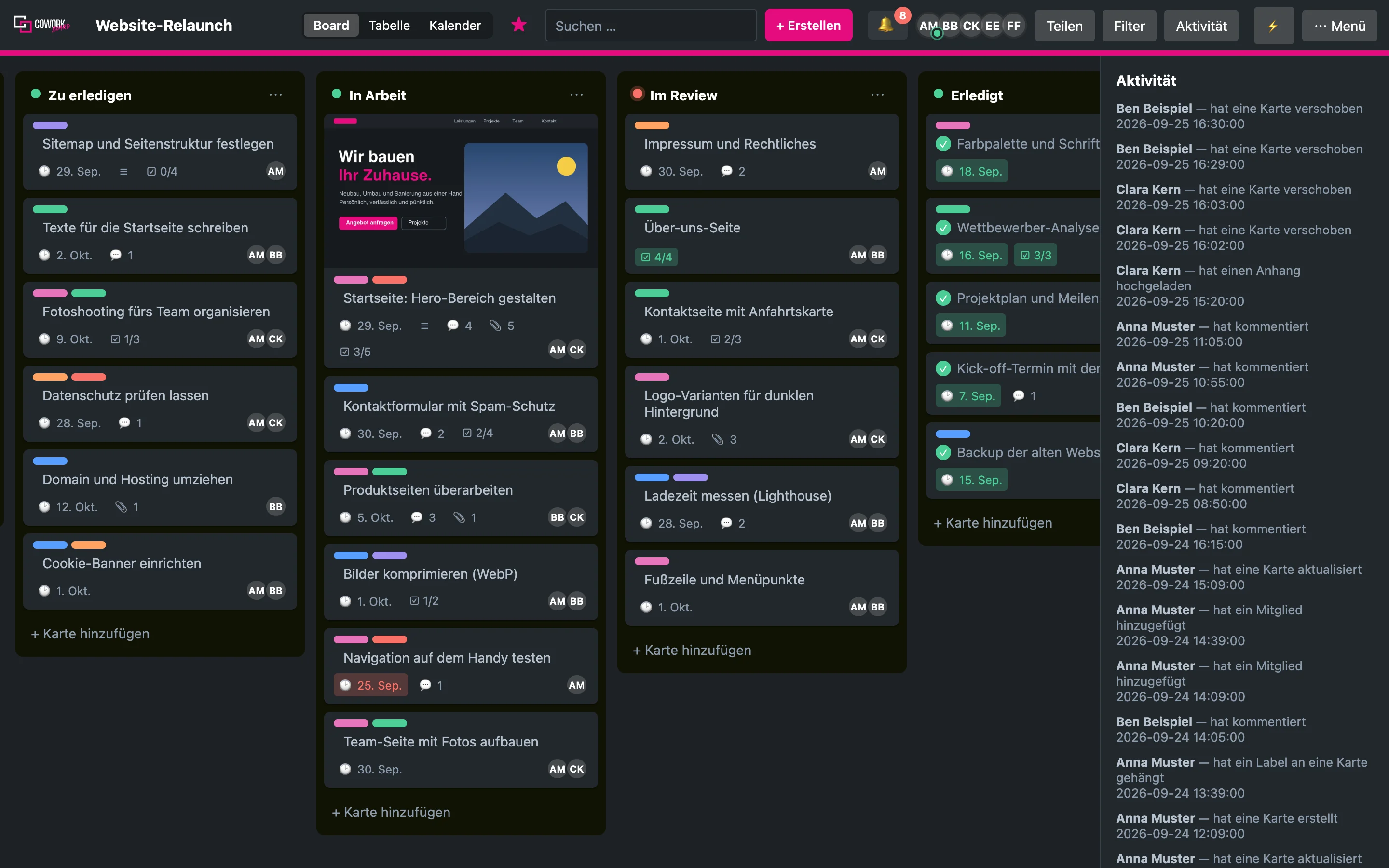
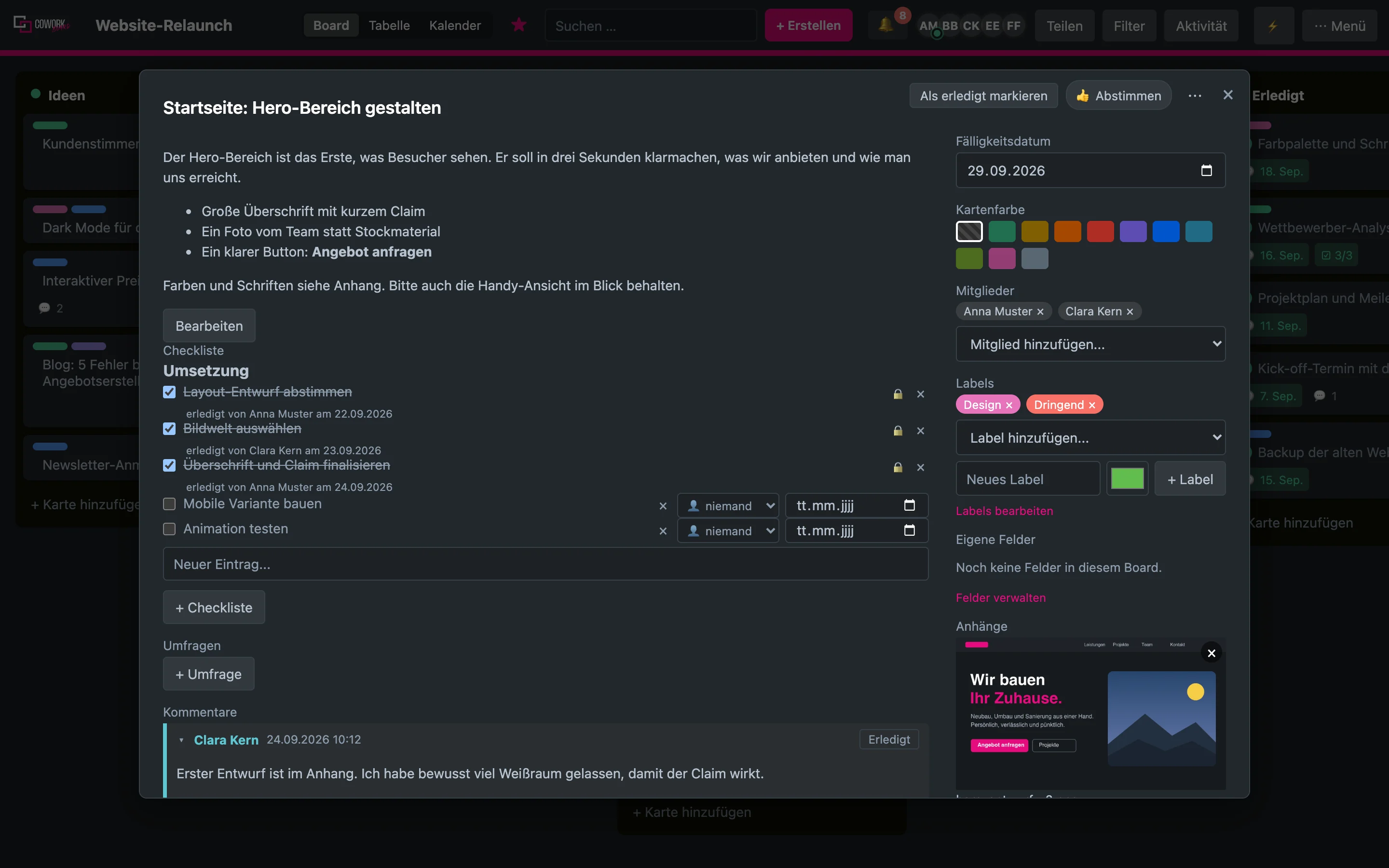
CoWorkboard as its own window on your computer: with an icon in the Dock or taskbar, without browser bars. Free to download. You need the address of your CoWorkboard, the app only opens it.
Apple silicon and Intel
Version 0.4.4 · 6.0 MB · free
Download for Mac (.dmg)Checksum (SHA-256) 278172a794cbfa2ffcd46eff0d61d63e2da889369e965257b169aa8318a88163
Windows, 64-bit
Version 0.4.4 · 2.5 MB · free
Download for Windows (.exe)Checksum (SHA-256) d82894074b3e19148e2f6d229fbce8caafd5c488a7567660e5ba07521c2a816f
board.your-company.com). The app remembers it. With “+” in the bar on the left you add more CoWorkboards (for example for clients) and switch between them with one click, like Google accounts. Right-click renames or removes one.The app is only a window onto your own CoWorkboard. It needs your CoWorkboard address and sends nothing to us. It is a free beta and not signed yet, we are working on the signature.
The app needs a CoWorkboard of your own: installed on your web space or at a host. Prices and requirements are on the next pages.